















Pre-Order
Jupiter Pro
$79.20 USD$99.00 USD
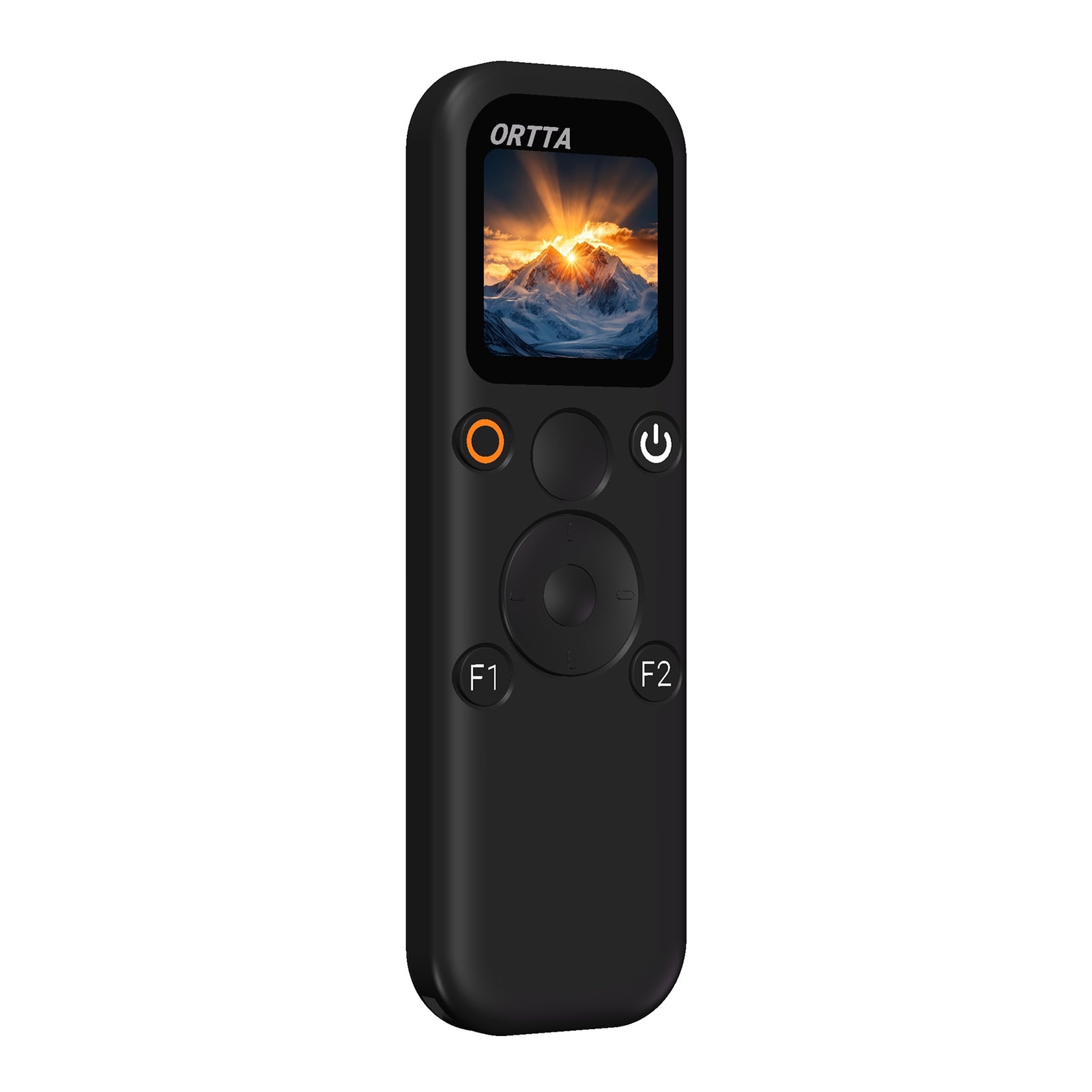
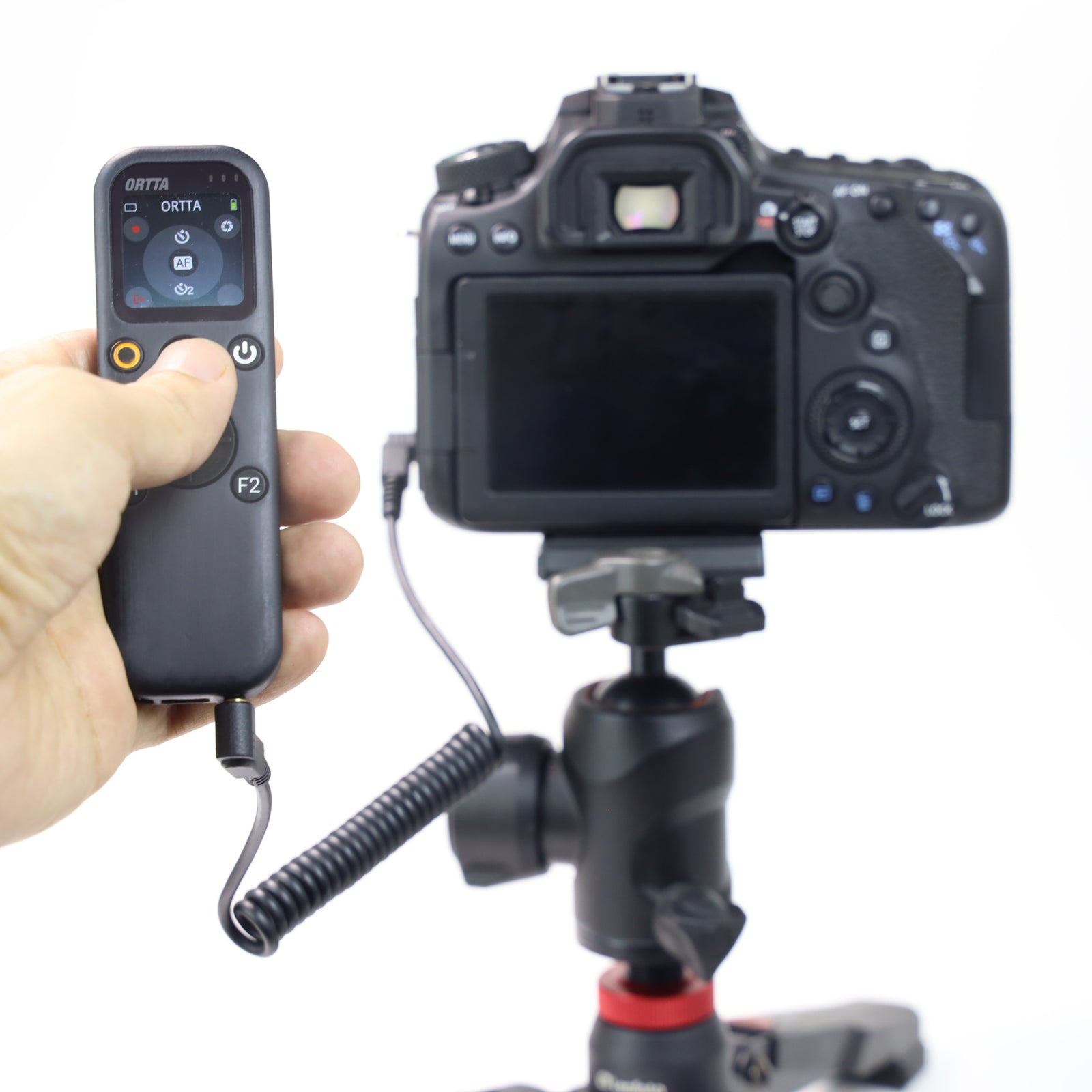
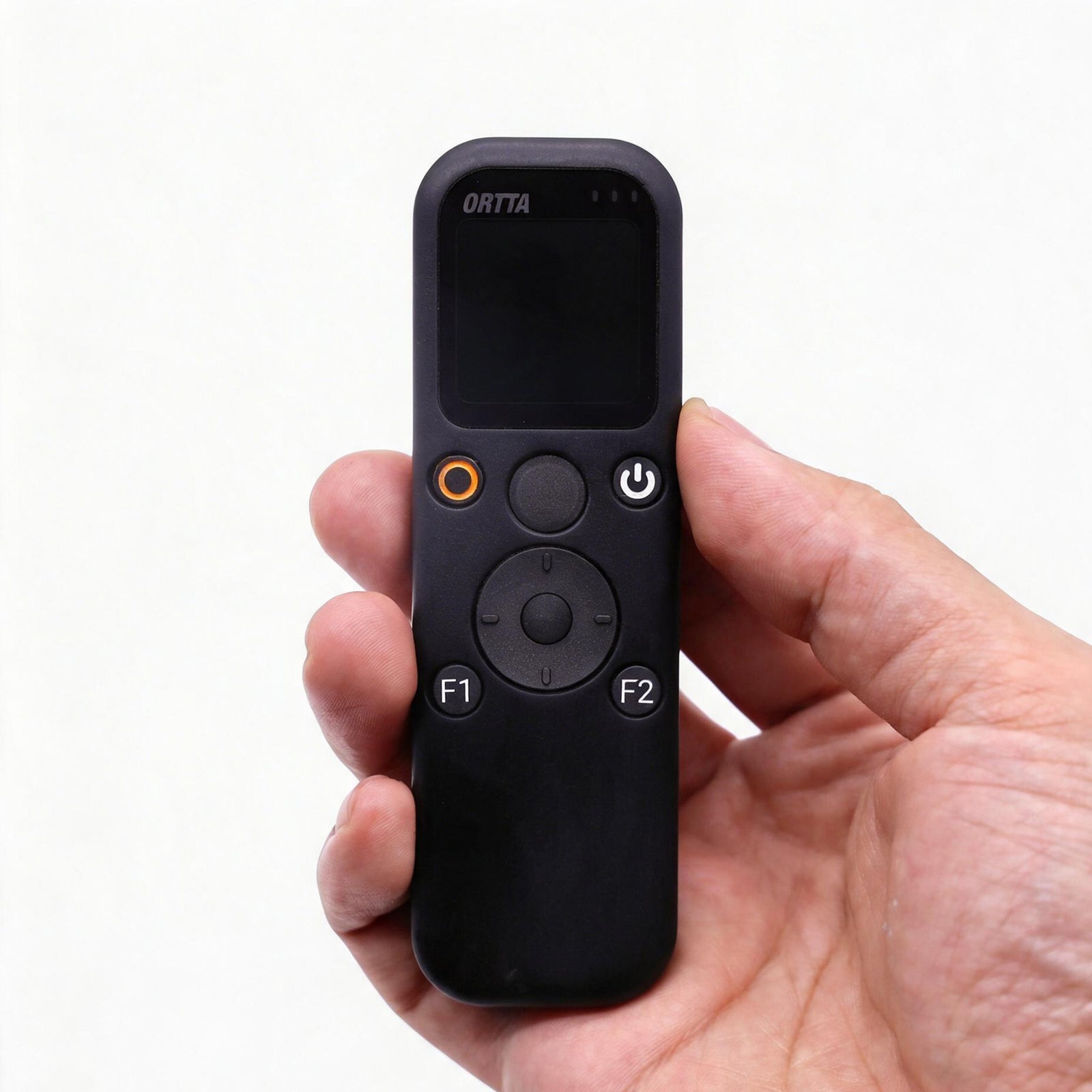
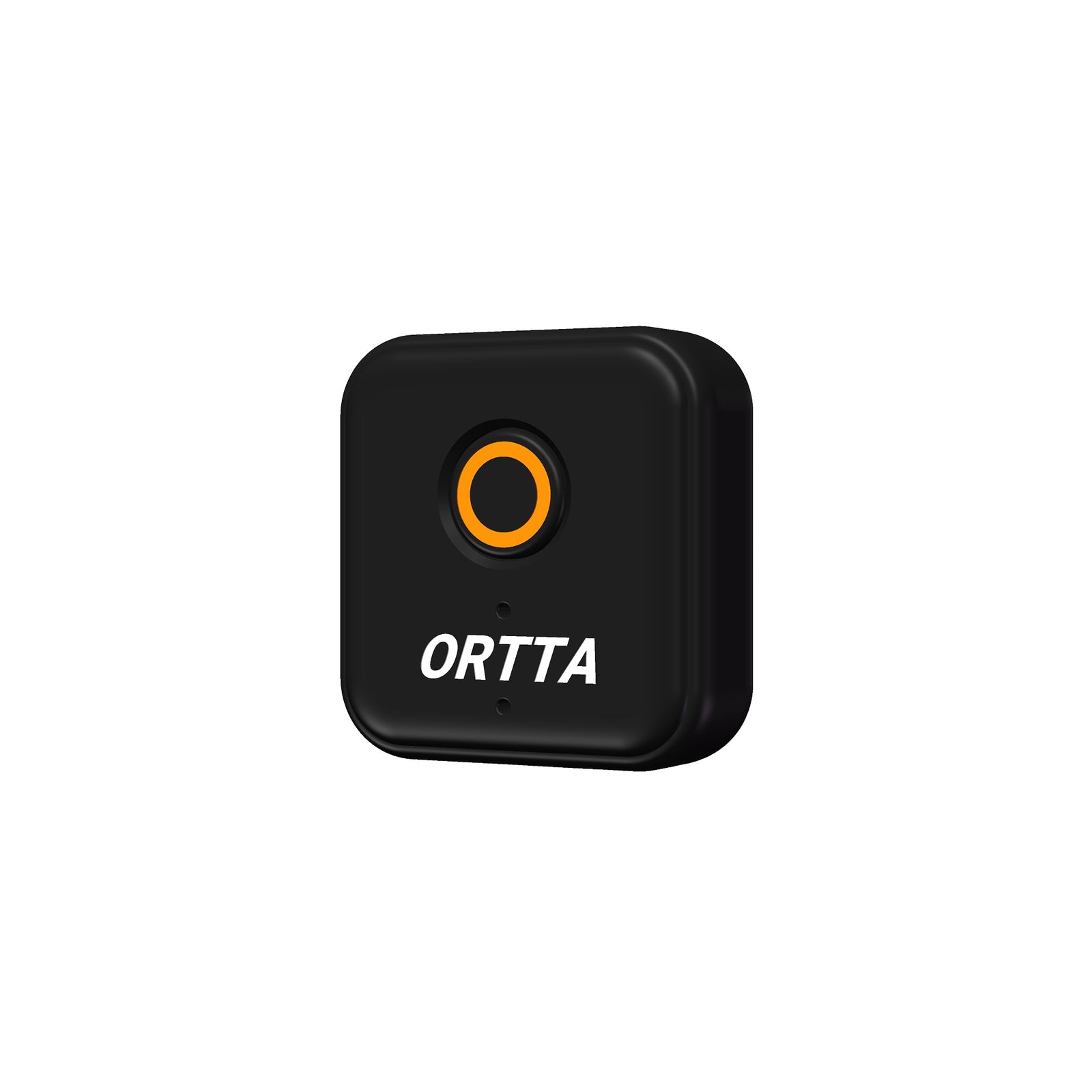
Camera remote with a color screen: Bluetooth, infrared, shutter cable and Canon Wi-Fi. Built-in programs, voice command and GPS.
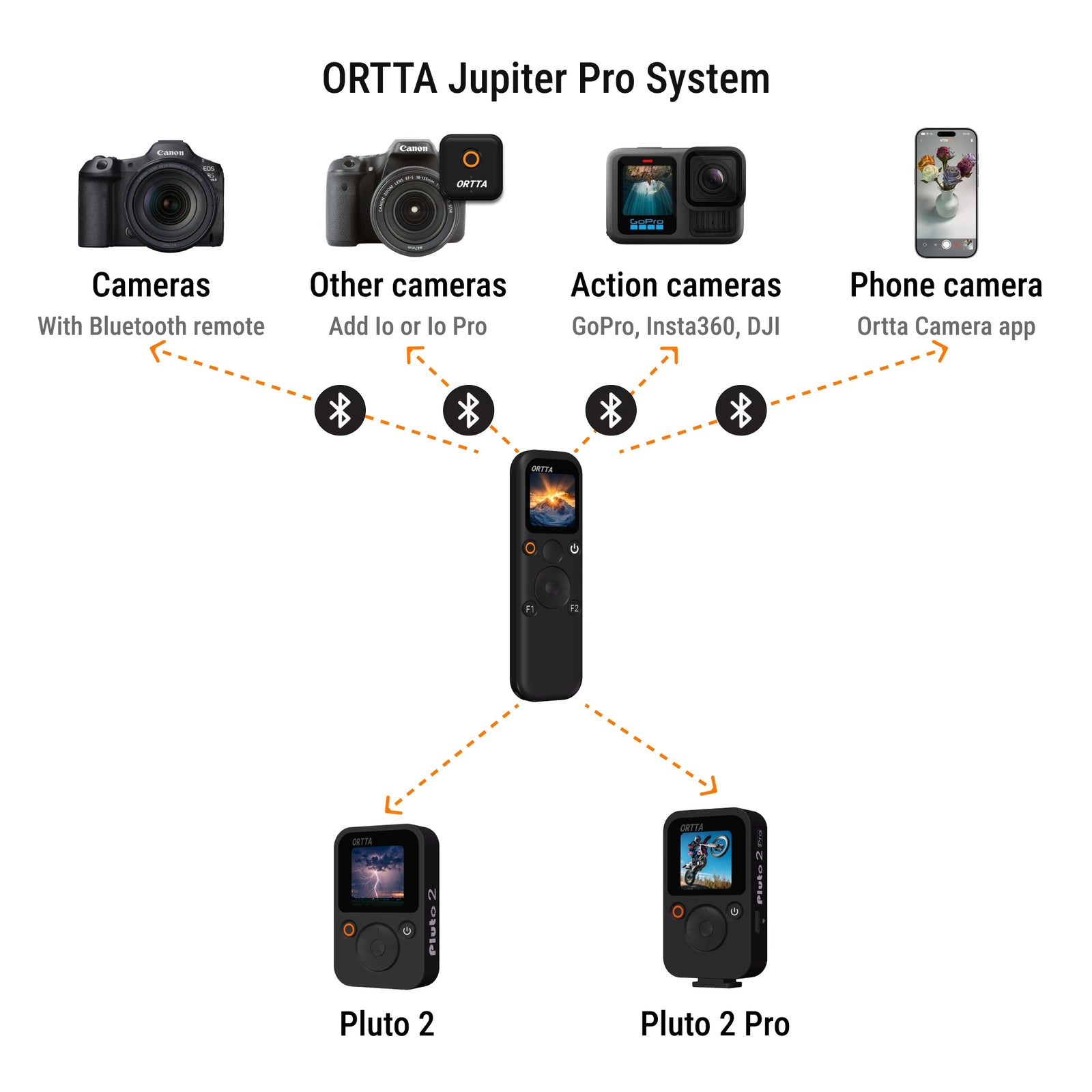
- Controls cameras, action cameras, your phone, and Pluto 2, Pluto 2 Pro, Io and Io Pro
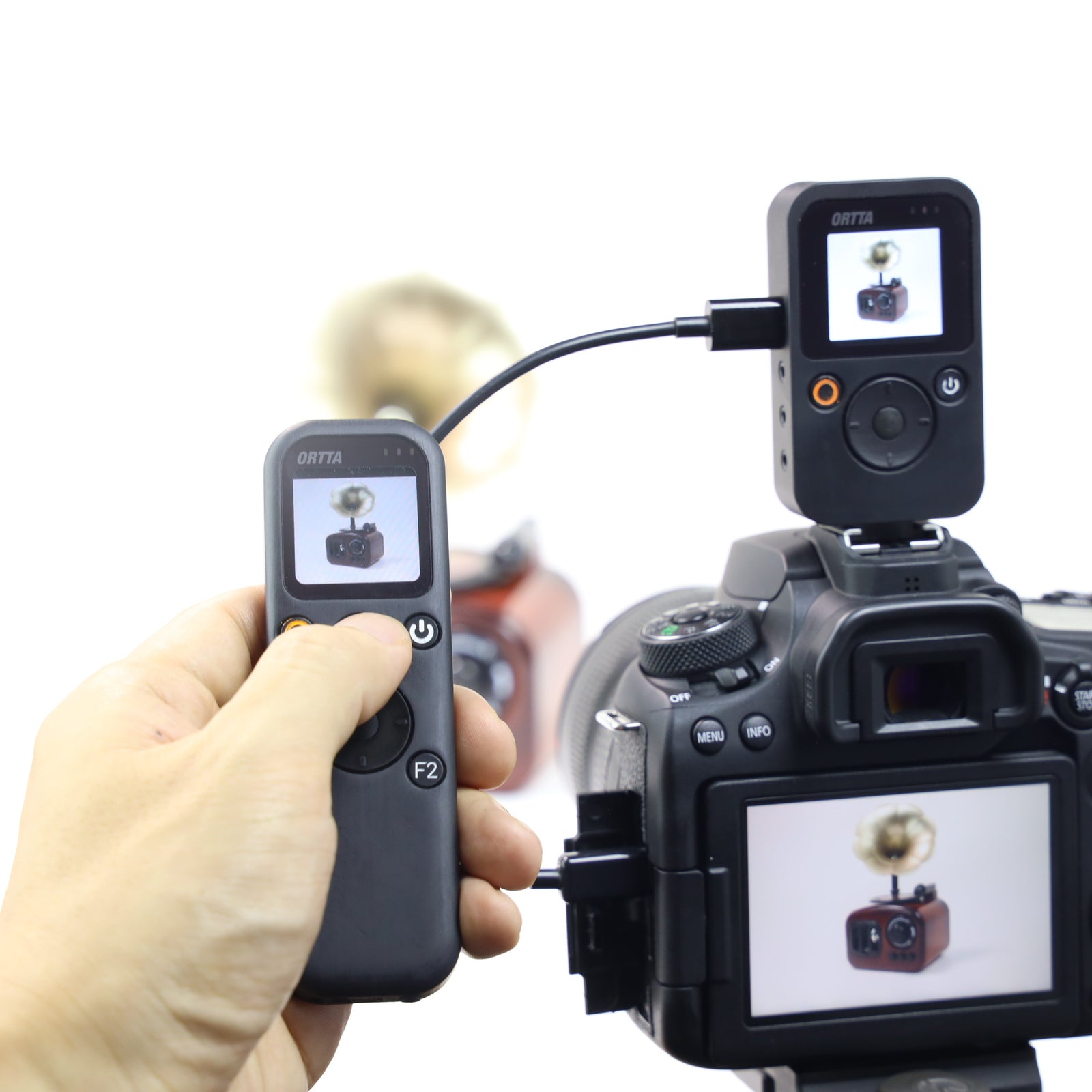
- Live preview and photo review with Canon over Wi-Fi, Io Pro or Pluto 2 Pro
- Nine built-in programs, including Voice. The phone app is optional
See the camera compatibility list.
ORTTA
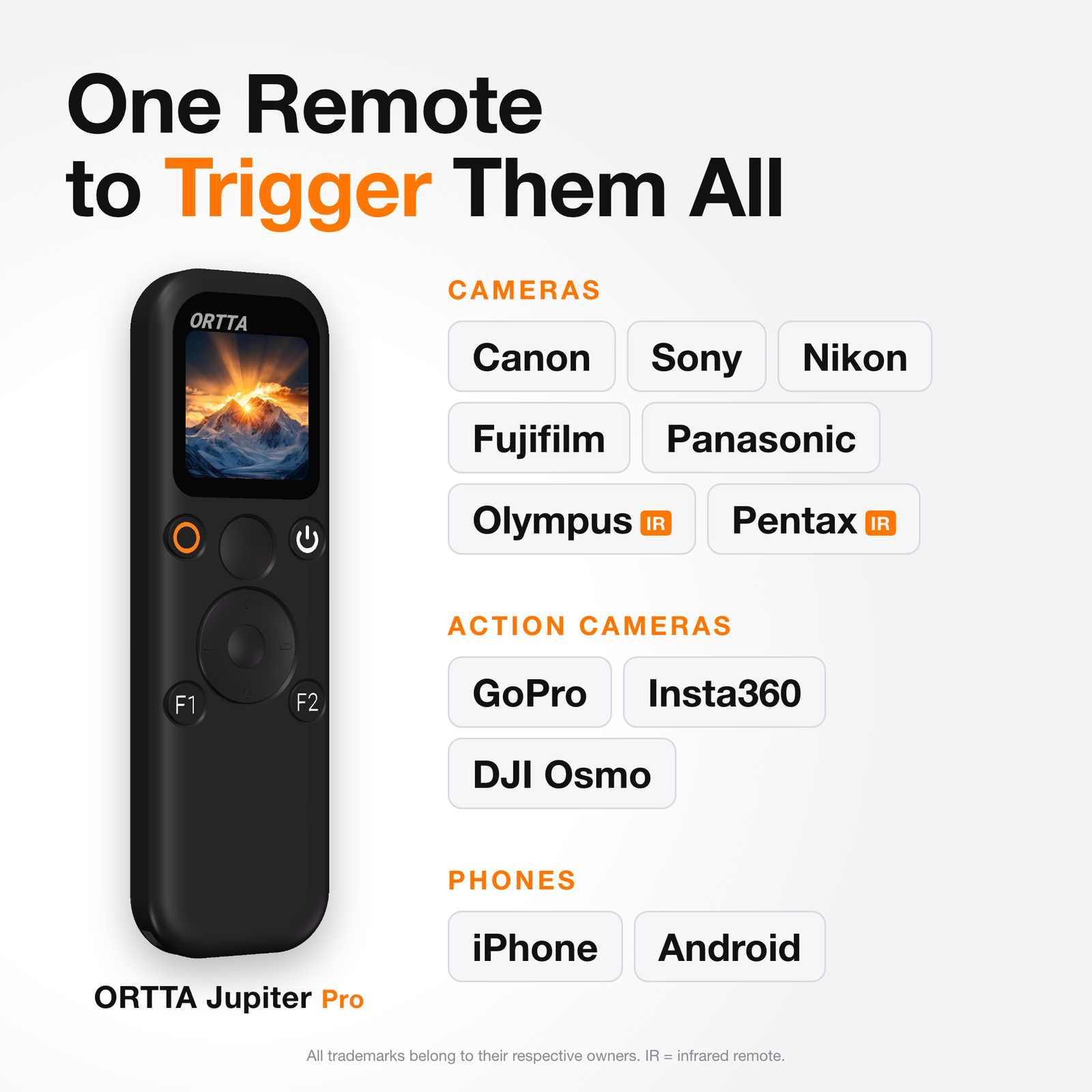
One Remote to Trigger Them All


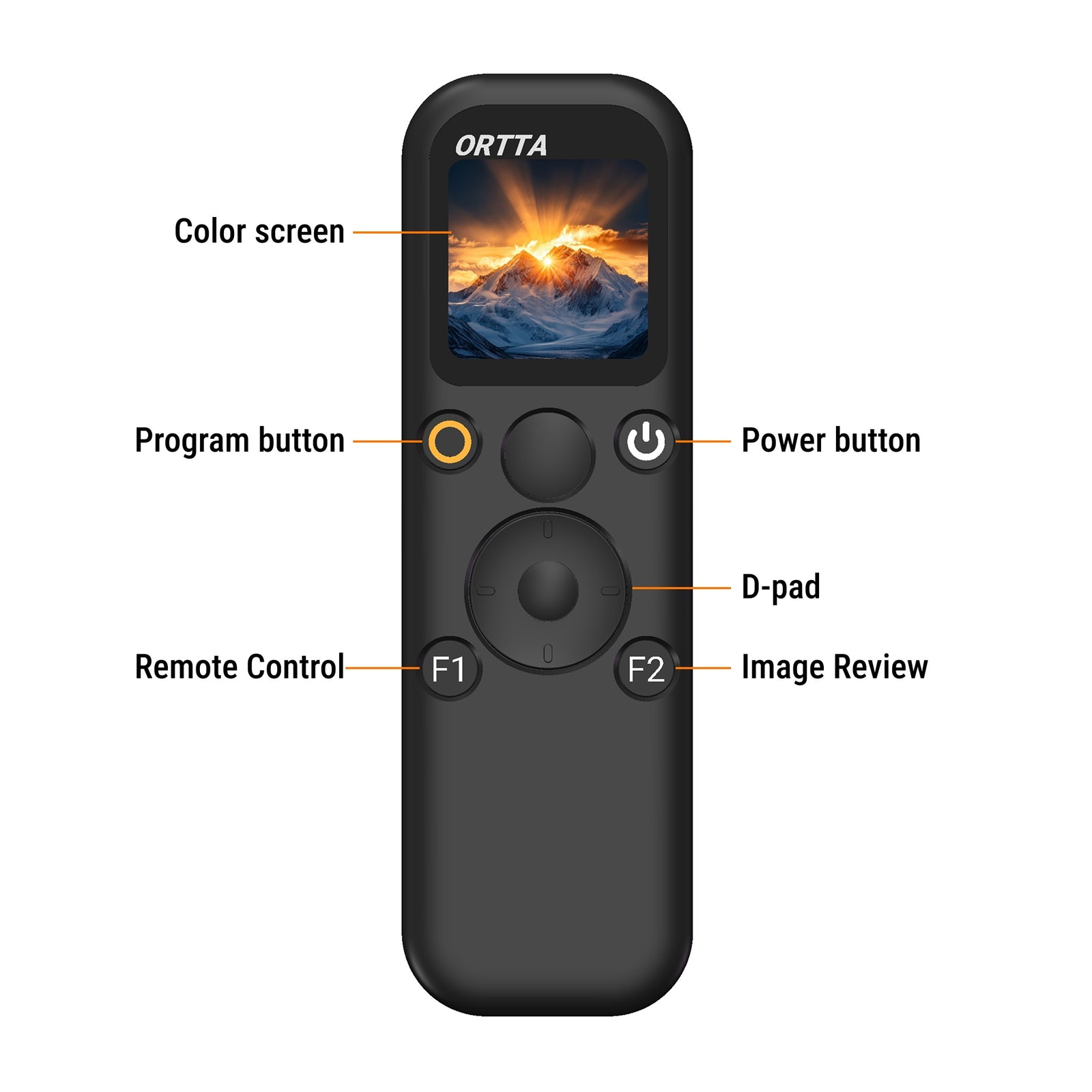
Color screen
The home screen is the Program page. Press F1 for Remote Control that follows your camera, and F2 to review your last 10 photos.
Live preview and photo review
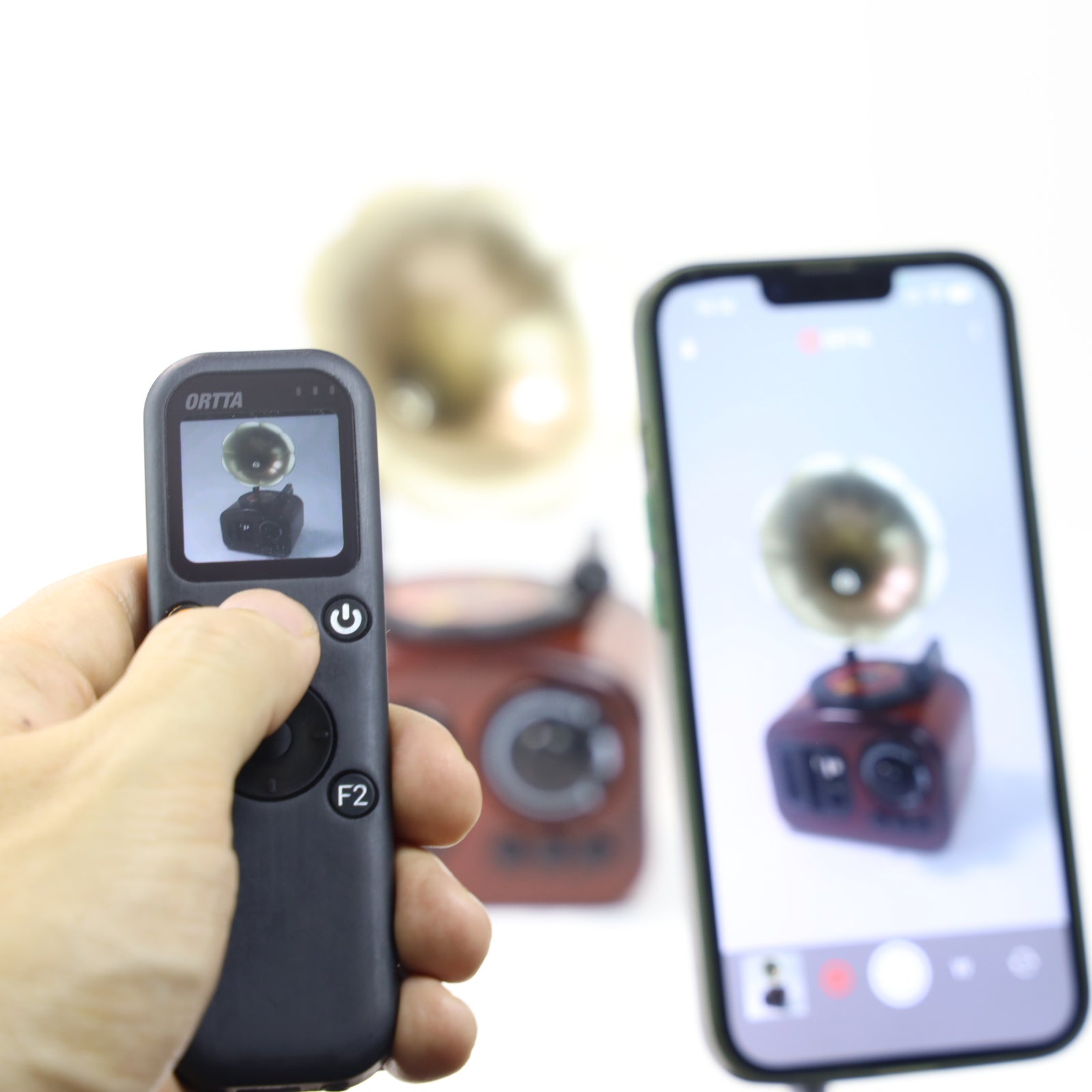
See what the camera sees, and check each photo as you take it, with a Canon camera over Wi-Fi, the Ortta Camera app, Io Pro or Pluto 2 Pro.


Several cameras at once
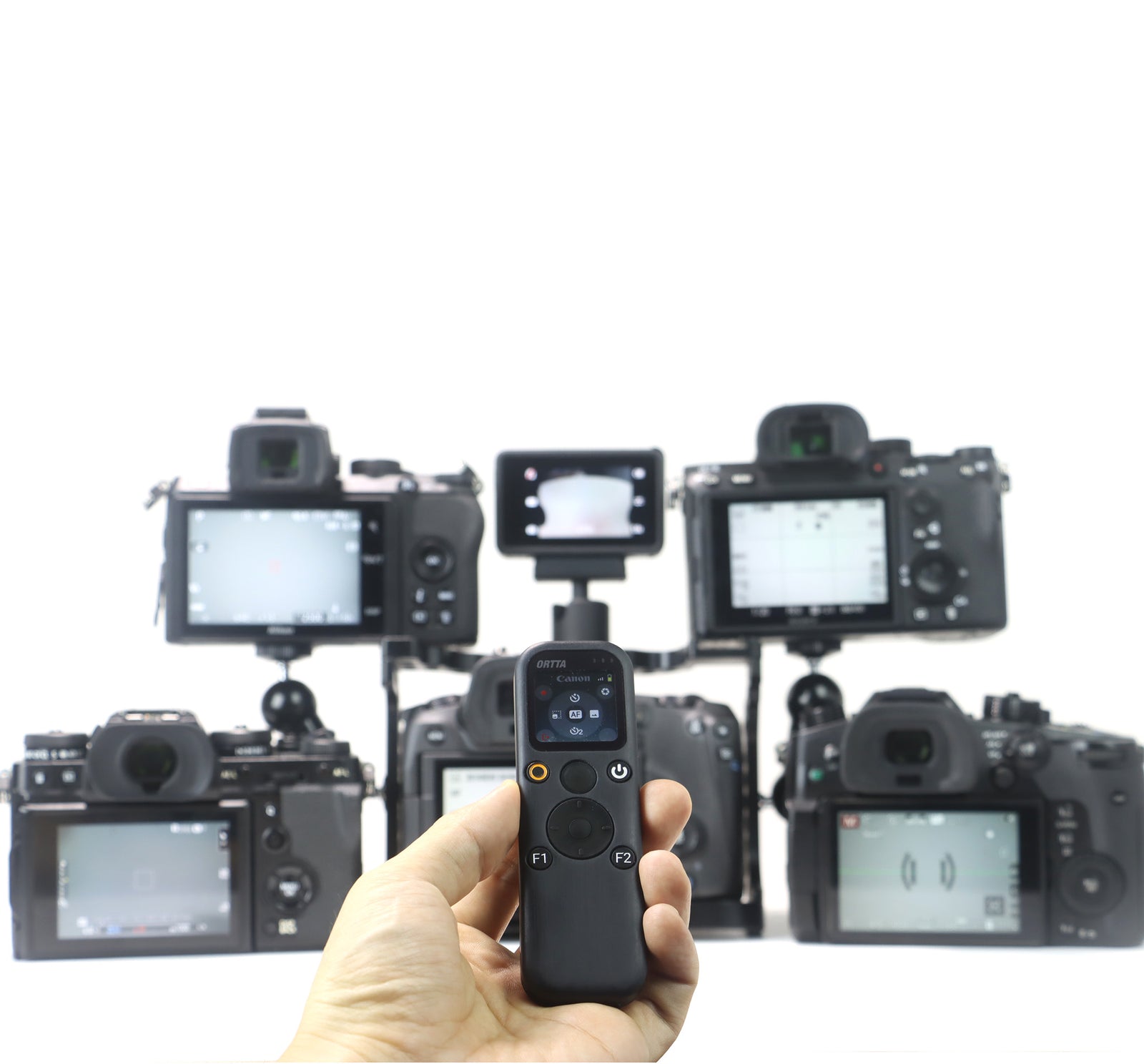
Enable up to 6 devices and every key goes to all of them. One Shutter press takes a photo on a mirrorless camera, an action camera and your phone together, and Program click starts or stops video on all of them. Shoot one subject from several angles, or record video on a GoPro while a camera takes the stills.
Fire a camera almost any way
Bluetooth, infrared, Wi-Fi and a shutter cable. Every connected device fires together, up to 6 at once.


All trademarks belong to their respective owners.
Bluetooth
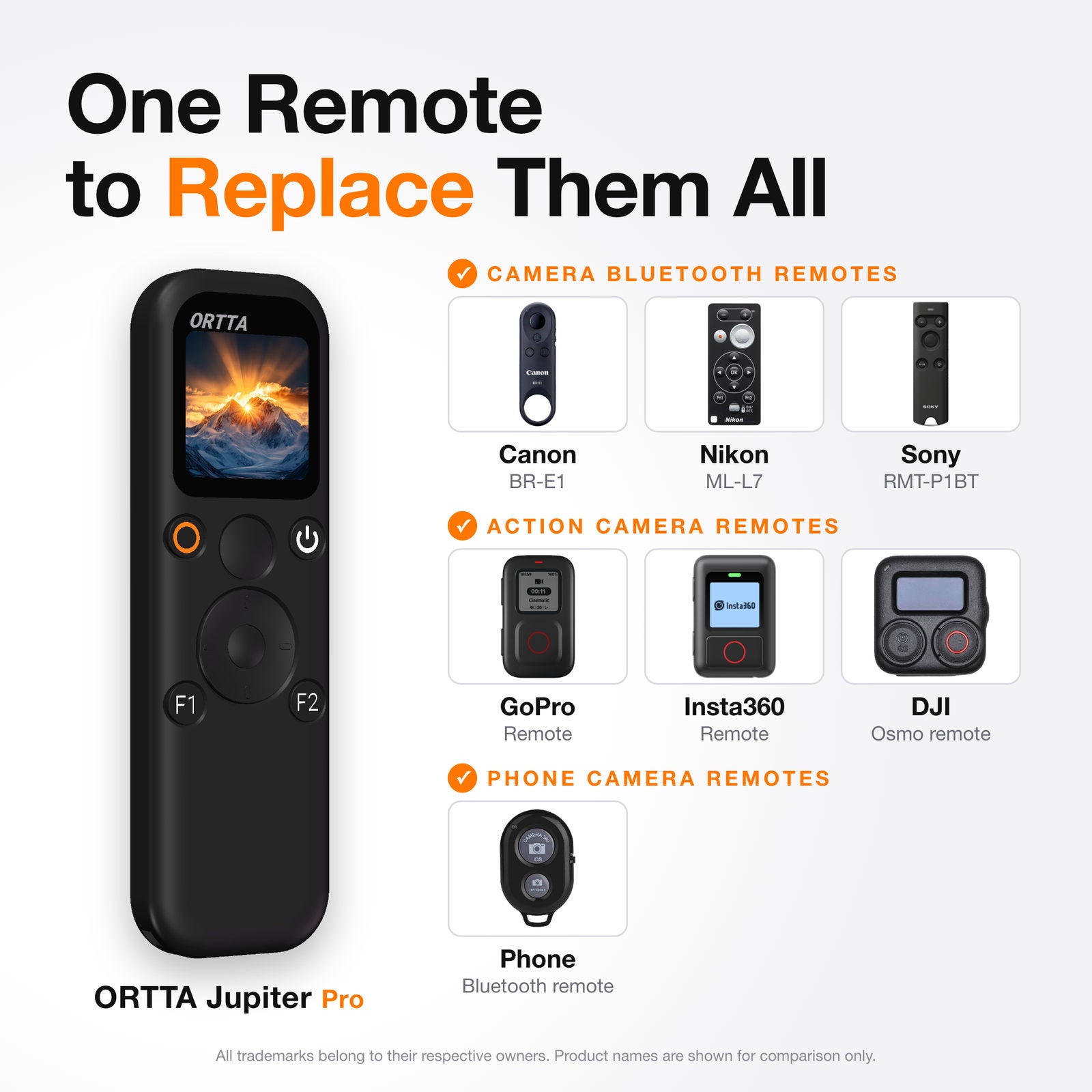
Canon, Sony, Nikon, Fujifilm and Panasonic cameras with Bluetooth remote. No cable needed.
Infrared
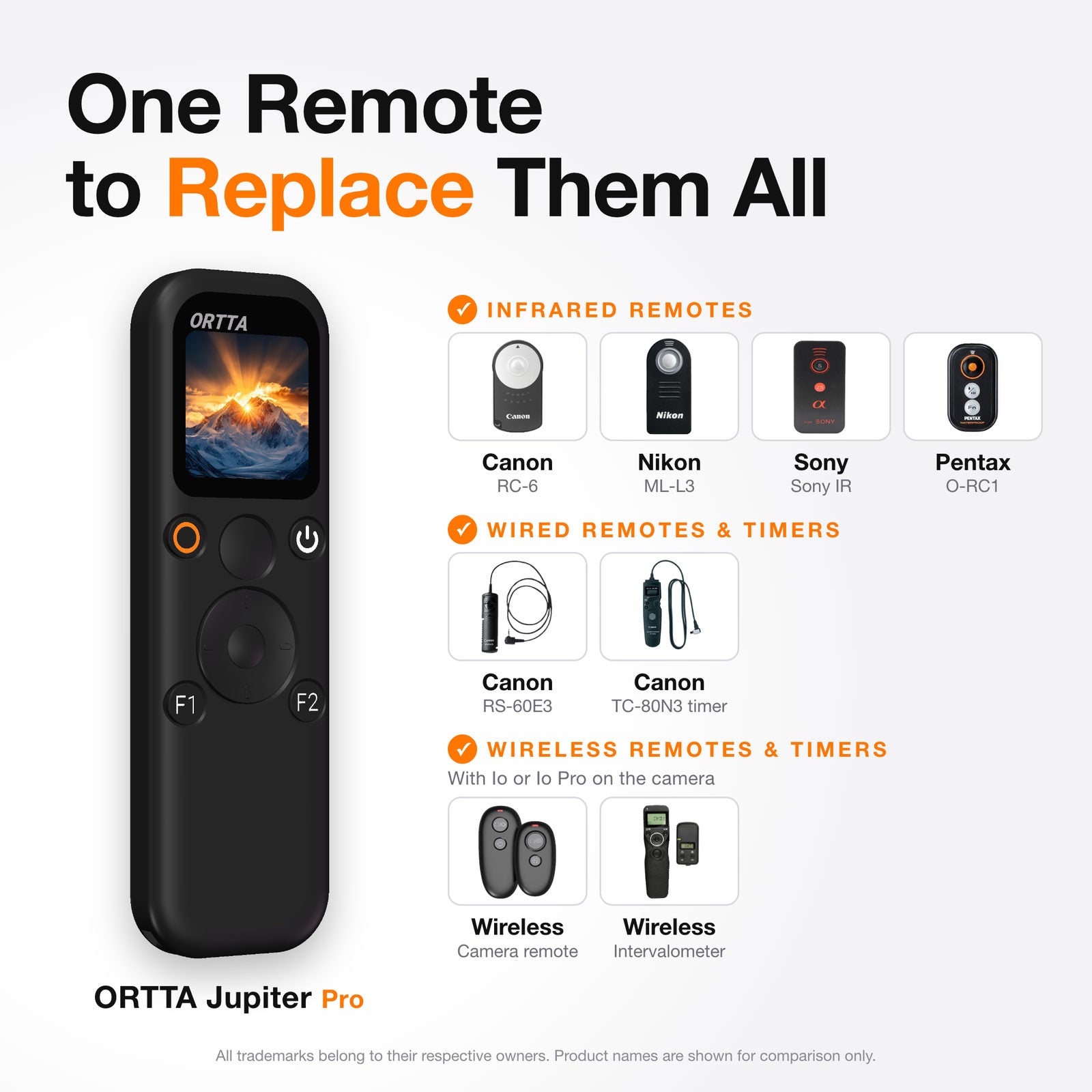
Canon, Nikon, Sony, Olympus, Pentax and PowerShot cameras with an infrared remote.
Shutter cable
A 2.5 mm port for cameras with a remote release socket. The cable is not included.
Canon Wi-Fi
Live preview, camera settings, focus control, video and photo review on Canon cameras that support CCAPI.
Action cameras
GoPro, Insta360 and DJI Osmo: record, switch mode, sleep and wake.
Phone camera
Take photos and video with the Ortta Camera app on iOS and Android.
Keyboard and media remote
Control a phone or computer: camera, music and slideshows.
Ortta devices
Start the programs of Pluto 2, Pluto 2 Pro, Io and Io Pro.
Programs built in
Set up and start programs on Jupiter Pro itself. The phone app is optional.

Shutter
One picture or a burst, with a delay and a pre-focus time.

Timelapse
Photos at a fixed interval, with optional HDR frames and bulb ramping.

HDR
Automatic exposure bracketing in Bulb mode.

Startrail
A continuous long-exposure sequence for star-trail stacking.

Video
Timed recording that restarts the camera to get past recording limits.

Timer
Shoots in a time window each day.

ND Filter
Works out the long exposure for your ND filter, then shoots it.

Starscape
Works out the longest exposure that keeps stars sharp, then shoots it.
Voice
Say “Jarvis” to take a picture. Say “Alexa” to start and stop video.
Programs fire the camera over Bluetooth, the shutter cable or infrared. Bulb programs (HDR, Startrail, ND Filter, Starscape) need Bluetooth or the cable.
Jupiter vs Jupiter Pro
 Jupiter |
 Jupiter Pro |
|
|---|---|---|
| Size | 66 × 36 × 11 mm | 112 × 35 × 10 mm |
| Weight | 30 g | 47 g |
| Bluetooth cameras | Yes | Yes |
| Action cameras | Yes | Yes |
| Phone camera and keyboard remote | Yes | Yes |
| Infrared | – | Yes |
| Shutter cable port | – | Yes |
| Canon Wi-Fi (CCAPI) | – | Yes |
| Built-in programs | – | 9, including Voice |
| GPS | – | Yes |
| Pluto 2 and Io | Fire the shutter | Fire the shutter and start programs |
| Battery | 500 mAh | 800 mAh |
| Runtime, connected | About 16 h | About 20 h |
Get the Ortta apps
Ortta app
Update the firmware of Jupiter Pro, with automatic safe rollback.


Ortta Camera
Turn a phone into a camera that Jupiter Pro can control.


Shutter cable and camera list
A shutter cable is optional and not included. Cameras with a Bluetooth or infrared remote need none. For a camera with a remote release socket, use a 2.5 mm shutter cable made for your camera. Check the compatibility list for the cable you need. Buy the cable for your camera separately.


The Ortta system
Ortta system
Jupiter Pro is the remote for the Ortta line. Pair Pluto 2, Pluto 2 Pro, Io or Io Pro, pick one as the master, and its programs appear in the Jupiter Pro menu.


Geotag your photos
The built-in GPS sends your position to supported Canon, Sony, Fujifilm and Panasonic cameras and to DJI Osmo, so your photos are geotagged. Canon cameras on an Io Pro are geotagged through the Io Pro.
Specs
| Size | 112 × 35 × 10 mm |
|---|---|
| Weight | 47 g |
| Screen | Color LCD, 240 × 240 |
| Buttons | 10, including a two-stage Shutter button and a D-pad |
| Connections | Bluetooth, infrared, Canon Wi-Fi (CCAPI), 2.5 mm shutter cable |
| GPS | Built in |
| Voice | Built-in microphone, works offline |
| Battery | 800 mAh rechargeable Li-ion, charges in about 2 hours |
| Runtime | About 20 hours connected |
| Bluetooth range | 10-20 m in open space |
| Ports | USB-C for charging, 2.5 mm shutter cable port |
What's in the box

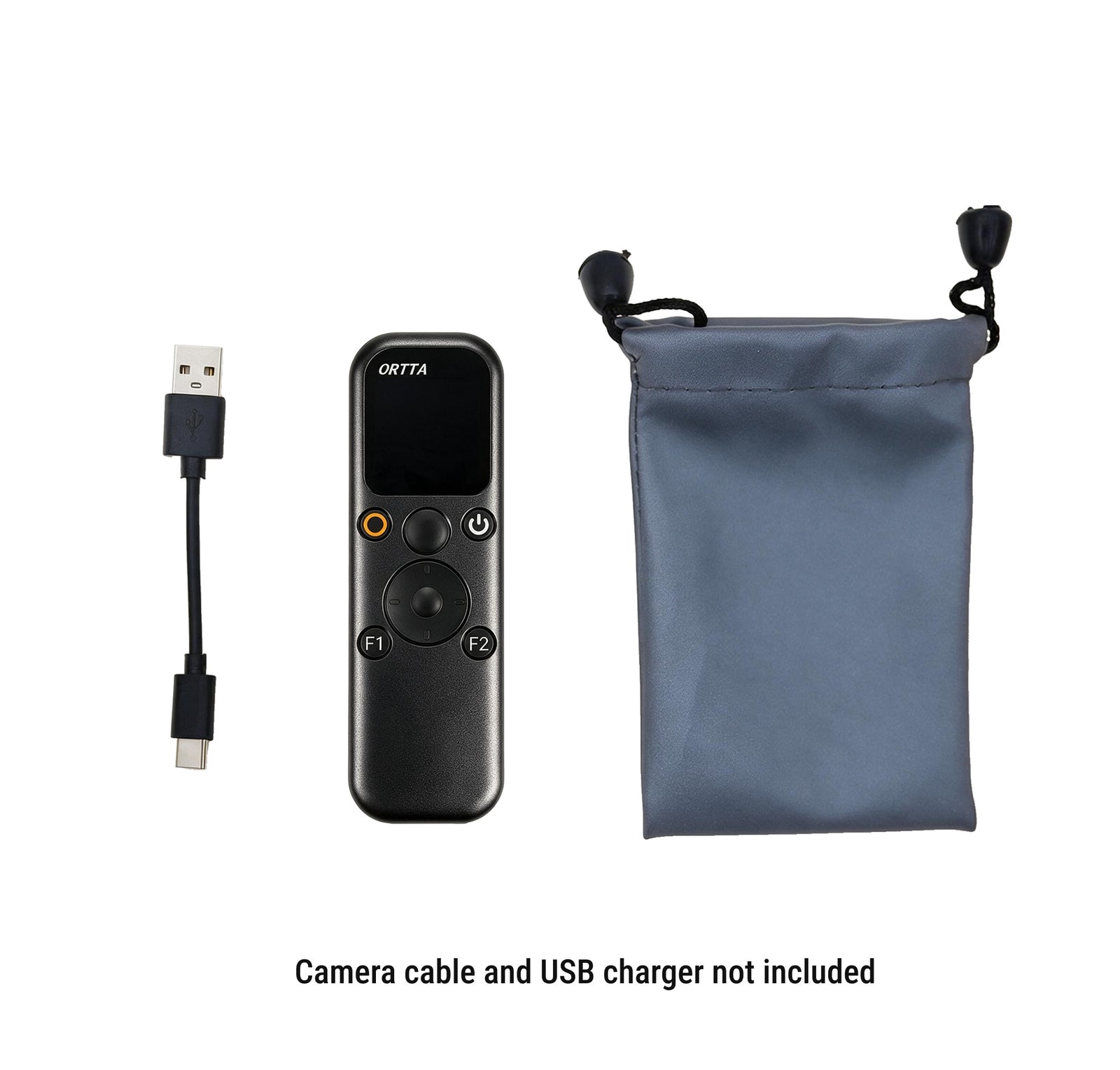
- Jupiter Pro
- USB charging cable
- Storage pouch
Not included: shutter cable, USB charger.


Frequently asked questions
What is the difference between Jupiter and Jupiter Pro?
Jupiter Pro adds infrared, a shutter cable port, Canon Wi-Fi (CCAPI), GPS, built-in shooting programs, voice commands, Image Review and the ability to start the programs of Pluto 2 and Io. It also has a larger battery. See the comparison table above.
Does it work with my camera?
See the full camera list. Jupiter Pro connects over Bluetooth, infrared, a 2.5 mm shutter cable or Canon Wi-Fi, depending on the camera.
Can I fire several cameras at once?
Yes. Jupiter Pro holds up to 10 paired devices and 6 can be enabled at once. Each key is sent to all connected devices, so one press can take a photo or start video on a camera, a GoPro, Insta360 or DJI Osmo, and your phone together. A Bluetooth camera, the infrared output and the shutter cable also fire together. If you enable more than 6, the screen shows Max 6 Enabled.
Do I need a cable?
Not for cameras with a Bluetooth or infrared remote. For a camera with a remote release socket, use a 2.5 mm shutter cable made for your camera. The cable is not included.
Which cameras work with infrared?
Canon, Nikon, Sony, Olympus, Pentax and PowerShot. Switch on the camera's infrared remote and point the infrared window at its sensor.
Can the programs run over infrared?
Yes, for programs that take normal shots: Shutter, Timelapse, Video and Timer. Infrared is a single pulse, so Bulb programs (HDR, Startrail, ND Filter, Starscape) need Bluetooth or the shutter cable.
What does Canon Wi-Fi (CCAPI) give me?
Live preview, camera settings, focus control, video recording and photo review on Canon cameras that support CCAPI. The shooting programs use Bluetooth, the cable or infrared, not CCAPI.
How do voice commands work?
Start the Voice program and say “Jarvis” to take a picture. Say “Alexa” to start and stop a video. You can swap the two words in the settings. It listens with the built-in microphone, works offline and needs no phone. Speak clearly, within a few metres.
Does it work without a phone?
Yes. The color screen lets you set up and start programs on the device. The app is optional, and you use it to update the firmware.
Can it control Pluto 2 and Io?
Yes. Pair Pluto 2, Pluto 2 Pro, Io or Io Pro, set it as master, and its programs appear in the Jupiter Pro menu. The program runs on that device.
Can I see live preview and my photos?
Yes, with a camera that sends images: a Canon camera over Wi-Fi, the Ortta Camera app, Io Pro or Pluto 2 Pro. Image Review shows your last 10 photos. Over Bluetooth, live preview is not real-time: expect a delay of 0.2 to 2 seconds and 2 to 8 frames per second, depending on the camera.
Does it geotag my photos?
Yes. The built-in GPS sends your position to supported cameras. Canon cameras on an Io Pro are geotagged through the Io Pro. Nikon cameras need Io for Nikon.
Can it control a phone or computer?
Yes. Use the Ortta Camera app to control your phone's camera, or use Jupiter Pro as a Bluetooth keyboard and media remote for camera, music and slideshows.
How do I update the firmware?
Update it from the Ortta app. If an update fails, Jupiter Pro rolls back to the previous firmware.
More details in the Jupiter Pro manual.


Sale
Pre-Order


Sale
Pre-Order
Sale
Pre-Order


Sale
Pre-Order


Sale
Pre-Order

Sale
Pre-Order